
Design systems for SaaS, AI products and mobile apps

Other Land aligns Figma, code and AI tools, so Cursor and Claude Code build from your real components.

Book an intro call
Token architecture Figma libraries Storybook in code MCP structure AI rules WCAG 2.1 AA Library audit Composite patterns Web and mobile Governance guide

Trusted by 56+ companies

Design system work by Other Land

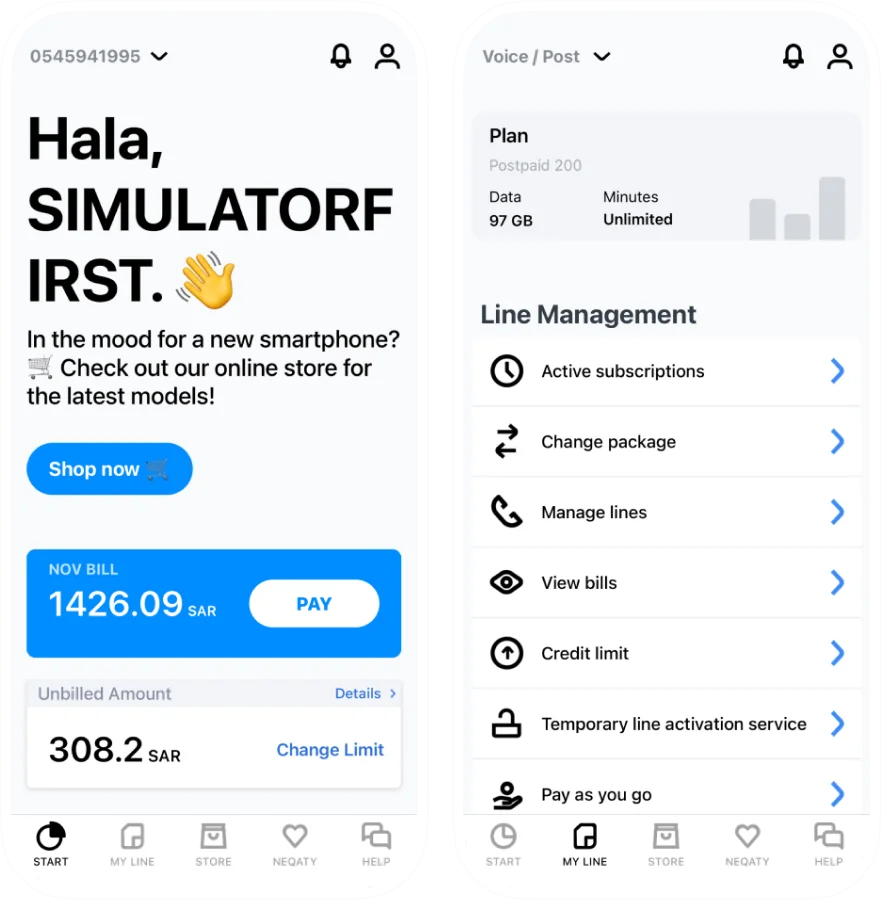
Mobily. Redesign and design system for a telecom mobile app

70+

Components
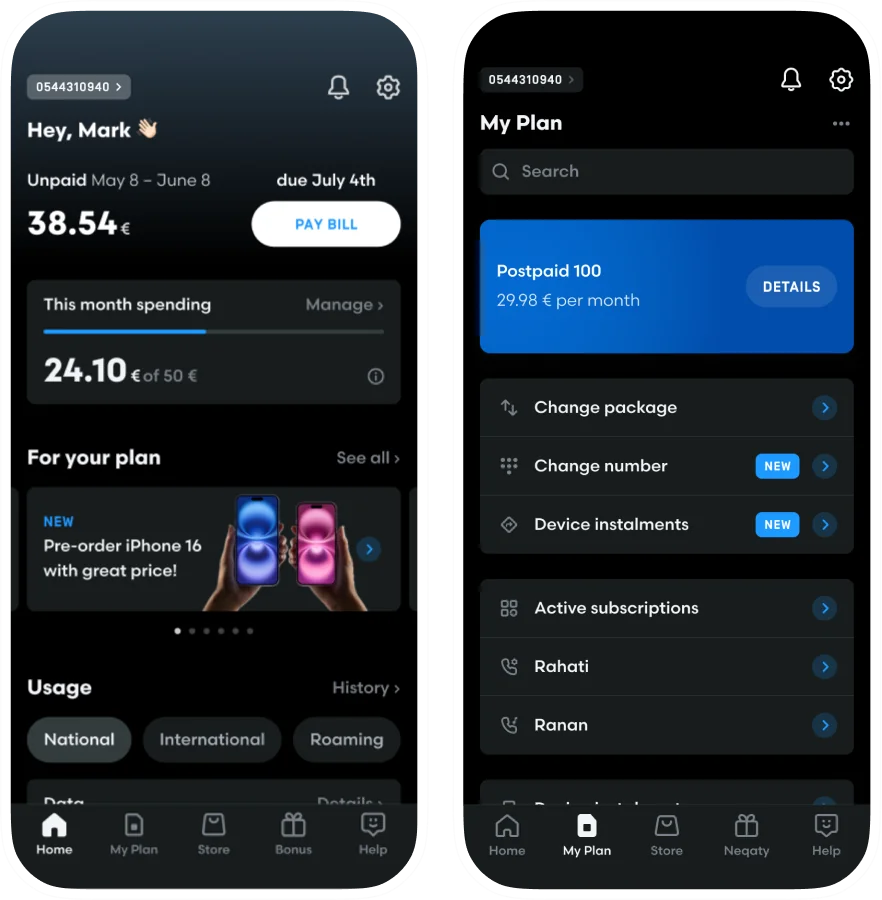
Mobily — Redesign and design system for a telecom mobile app, after redesign Mobily — Redesign and design system for a telecom mobile app, before redesign

Rakbank. Redesign and design system for a banking app

112+

Components

Rakbank — Redesign and design system for a banking app, after redesign Rakbank — Redesign and design system for a banking app, before redesign

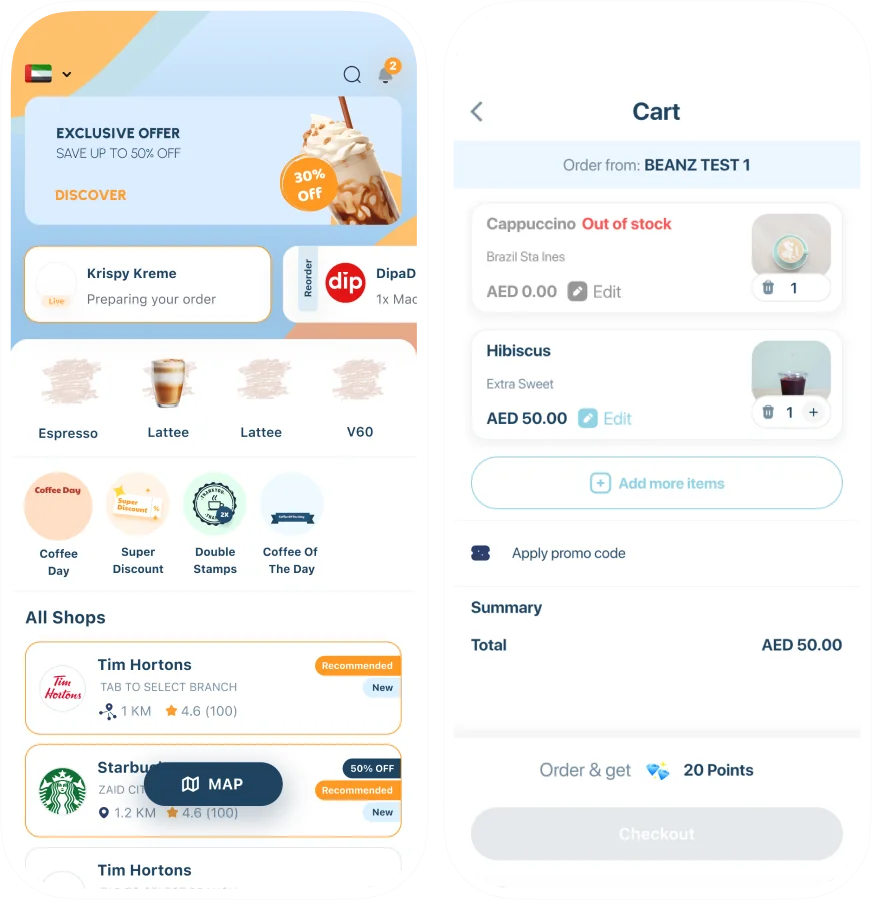
Beanz. Redesign and design system for a coffee ordering app

119+

Components
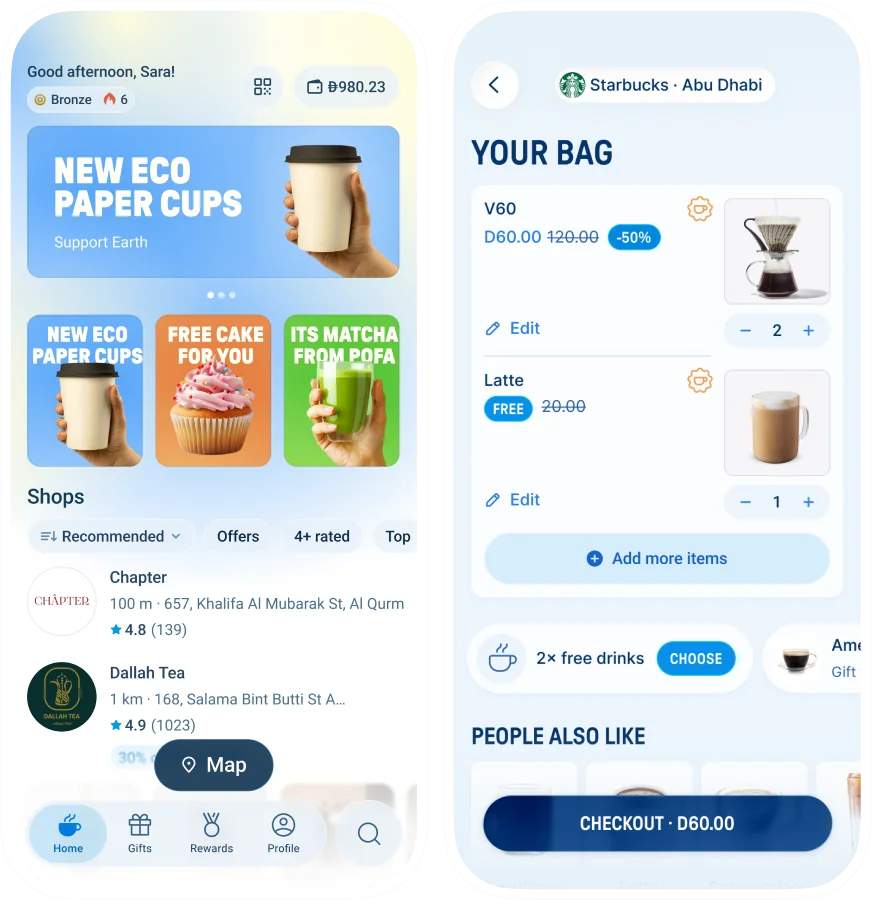
Beanz — Redesign and design system for a coffee ordering app, after redesign Beanz — Redesign and design system for a coffee ordering app, before redesign

Office of DA. MVP design and design system for a government relations platform

93+

Components

Office of DA — MVP design and design system for a government relations platform
DressX Cricut Takko Beanz RAKBANK Stockpile Migros Bank Sides Mobily

Mobily, RAK Bank, Stockpile, Canopy, Cricut, Persona and Beanz have worked with Other Land on products where consistency across screens was the job.

Why it matters

What a design system changes for your team

AI output matches your product

Cursor and Claude Code generate from your real tokens and components, so screens need less rework before they ship.

New screens built from ready parts

Buttons, forms, tables and layouts already exist in the system, so a new screen is put together from them, not drawn and coded from zero.

Design and code in sync

Designers and developers work from one source of truth, with fewer mismatches and fewer QA rounds per feature.

Less duplicate work

Teams stop rebuilding the same buttons, forms and tables every sprint, so UI costs less to build and maintain.

Faster onboarding

Documented components and a governance guide help new designers and developers learn your UI in days, not weeks.

Consistent at any scale

The product stays consistent however many people or squads work on it, on web and on mobile.

How we work

From audit to a system your team owns , from one week to six months

  • Your Figma, code and screens reviewed for drift and real usage.
  • Recurring elements mapped into what should become a component.
  • Your framework and stack reviewed, so the system fits them.
  • Colour, type, spacing, radius and elevation, set up as tokens.
  • Named for purpose, like surface/brand-primary, so AI tools read them.
  • In code, and in Figma variables if your team works in Figma.
  • 40 to 100+ components, in code, in Figma, or both.
  • States, sizes and variants specific to your product.
  • Tables, forms and dashboards, with accessibility built in.
  • Working sessions for designers and developers, recorded for new hires.
  • A governance guide for ownership and contributions.
  • How to use the system with AI tools, so output stays consistent.
  • New components as your roadmap needs them.
  • Contribution reviews, token and accessibility updates.
  • A few days a month or a week, as your team needs.

Why us

Why Other Land for your design system

One owner, no handoff

One design engineer builds each component in Figma and Storybook, and our design director reviews it.

  • End to end

Built on your stack

Other Land extends the framework your product runs on, and your team keeps shipping in parallel.

  • On your stack

AI-ready is a quality bar

A well-built system is AI-ready, so Cursor and Claude Code generate from your tokens, not defaults.

  • AI-ready

Audit first, rebuild last

Other Land audits drift and usage in your Figma and code, then rebuilds only what is too fragmented.

  • Accessibility

When you need it

When does a startup need a design system?

When you need one

  • Designers update Figma while developers build from old specs.
  • Every screen an AI tool generates looks nothing like your product.
  • You are scaling past MVP and early patterns are starting to break.
  • Several squads keep rebuilding the same components their own way.
  • A UI refresh is coming and every screen has to change with it.

When you don't

  • You have no live product yet. You need an MVP first, not a system.
  • Nobody on your side will own the system once we hand it back.
  • You want a UI kit to drop in, not a system your team maintains.

What you get

What Other Land's design systems include , in code, in Figma, or both

Token architecture in code, Figma variables or both, named so AI tools can read it.

40 to 100+ components in code, in Figma or both, with every state, variant and size.

Composite patterns for complex UI: data tables, forms, dashboards, navigation.

AI rules for Cursor and Claude Code, and Figma structured for MCP where you use it.

Accessibility in every component, WCAG 2.1 AA / APCA, with a report.

Governance guide and onboarding for designers and developers, recorded for new hires.

Who it's for

Design systems from first MVP to enterprise , on web and mobile

A first product or MVP

A lean design system for web or mobile in one to two weeks, so your first screens use parts that grow with you.

A scale-up

A design system that stops squads rebuilding the same components and keeps a growing product consistent.

An enterprise product

An enterprise design system in Figma and code, with themes and RTL layouts, can take around six months.

Design systems in production

Design system challenges Other Land solved

12 systems
built by Other Land, from startups to enterprise
1,400+
screens designed on one banking app's system
1,200+
screens built on Mobily's design system
112+
components across core banking journeys
5 themes
in one system, for different brand modes
RTL + LTR
Arabic and English layouts from one system